
Hot now The Goodbye 2026, Welcome 2027 trend
Hello 2027 AI Video: Goodbye 2026, Welcome 2027
Upload one photo and you climb a giant white marble 2027 on a mountain top at sunset, stand on top with your arms wide, and the camera flies back. Or say goodbye to 2026 first: push the 6 off the cliff and climb the new 7.
8–10s · Up to 1080p · No watermark
 Photo
Video
Photo
Video
Examples
Real Hello 2027 results
The photo as uploaded, then the video the AI made from it. One try each, not edited.
The photo
One generation from this photo, shown as it came out.
Make one like this → The photo
One generation from this photo, shown as it came out. The photo only shows him from the waist up, so the AI chose his shorts.
Make one like this →How it works
How do I make the Goodbye 2026 Welcome 2027 AI video from my photo?
Upload one photo of yourself, pick Hello 2027 or Goodbye 2026, and get an 8-second vertical video: you climb onto a giant marble 2027 on a sunset summit, stand with your arms open and the camera pulls back to show the whole number. It's a new video made from your photo.
- Add your photo
Upload one sharp photo. One person, face clearly visible. No sign-in, no password and no app: it all happens on this page.
- Choose and make
Pick the length, quality and format, and see the price before you start.
- Download and post
Your MP4 is ready in a few minutes in My videos, with no watermark. Label it as AI-generated when you post.
Upload your photo How it works →
Price, refunds, limits and tips
- You need
- One sharp photo. One person, face clearly visible. JPG, PNG or WebP.
- You get
- A 8 to 10-second MP4 (9:16) up to 1080p, with an uplifting cinematic swell with wind on the summit, no watermark, usually in 2 to 5 minutes.
- Price
- A 8-second 720p video on Seedance 2.0 Fast uses 35 credits; credits from $9.99, or subscribe.
- Refund
- Failed videos give their credits back automatically. Not happy with your first paid video? Full refund within 7 days.
- Limits
- The digits are drawn by the AI and can come out slightly off; check the number before you post. One person per video; adults only, with their OK.
What is the Hello 2027 meme?
Every year TikTok says goodbye to the old year with AI videos made from a photo; the "goodbye 2025 welcome 2026" clips peaked in the last week of December at millions of views each. The 2027 version, climbing a giant marble 2027 on a mountain top, was first posted on October 26, 2026, and a French sister version where the 6 is pushed off the cliff followed two days later.
What happens in the video
- Grab the top of the giant number and pull up
- Stand on top of the 2027
- Arms wide open to the new year
- The camera flies back to show the whole 2027
Best photo for a Hello 2027 video
One person, face clear and fairly big in the frame, from the waist up or full body. The last shot pulls far back, so a sharp photo matters.
Post it like the meme
Caption it with the year you're leaving behind, or a goal for 2027. Try one of these:
- see you at the top, 2027 🏔️
- goodbye 2026, I'm climbing into 2027
- 2027, I'm ready
Templates
More effects
All templates →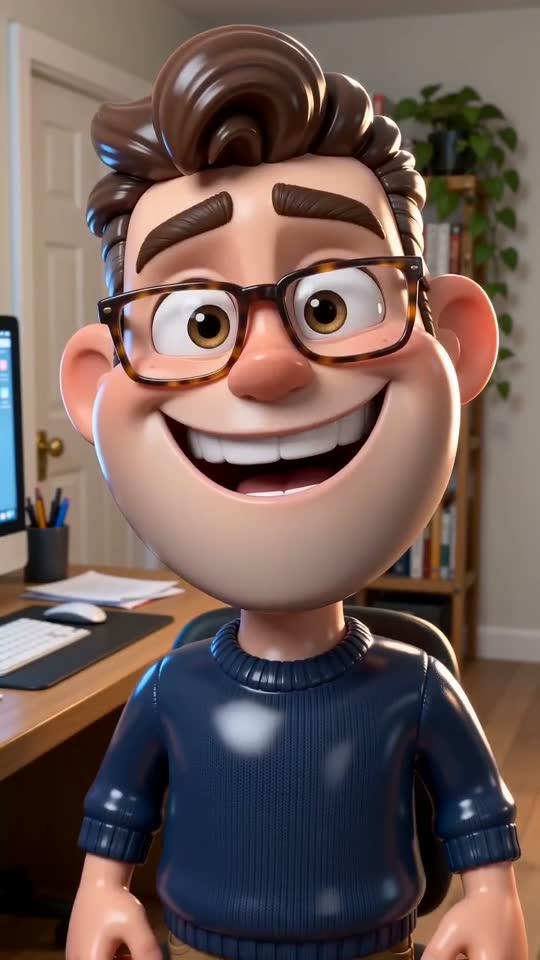 AI Caricature⚡35 · 1 photoUpload one photo: it swipes into a glossy 3D caricature of you, big head and all, that frowns, then grins smugly and winks.Try it →
 AI Aging Filter⚡40 · 1 photoUpload one photo and watch yourself age on the beat: about 25, 40, 60 and 80, same pose and place, ending with a warm smile.Try it →
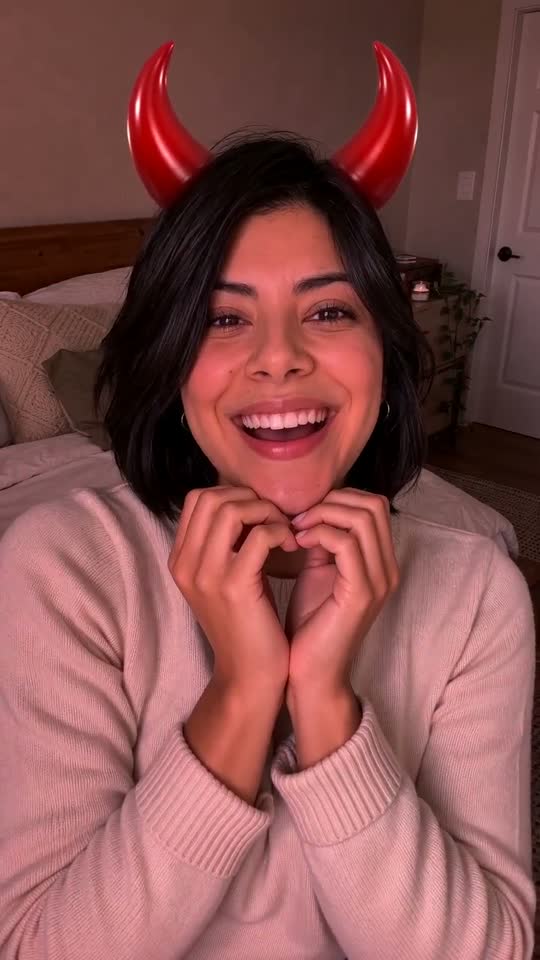 Angel or Devil Filter⚡40 · 1 photoUpload one photo: an angel and a devil meter count up over your head, then you get the halo, the horns or a tie. You choose which before you make it.Try it →
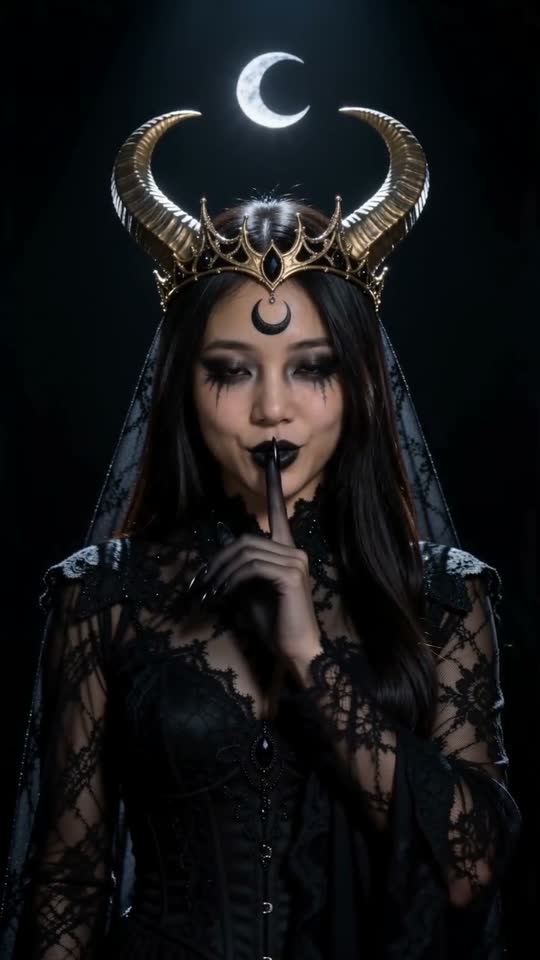 Enchantress Filter⚡40 · 1 photoUpload one photo: a black clawed hand rises out of the dark and takes yours, sweeps across the lens, and you're back as a moon witch with a gold crescent crown. Shh.Try it →
 New this weekToc Toc Dance⚡40 · 1 photoUpload one photo and you do the Toc Toc dance: the one-foot hop, the knock on an invisible door, the skip-kicks across the room and the arms-wide finish.Try it →
 New this weekBbY WOW Dance⚡40 · 1 photoUpload one photo and you do the BbY WOW trend: sway onto the dance floor, pop a pastry in on the beat, chew with a dead-straight face and spin away.Try it →
Pricing
How much does a Hello 2027 video cost?
Buy credits once or subscribe. Credits never expire, and failed videos give them back. Or subscribe from $14.90/month
Starter
$9.99
⚡ 40 credits
$0.25 per credit
About 1 video of 8s at 720p
Popular
$19.90
⚡ 120 credits
$0.166 per credit
About 3 videos of 8s at 720p
Creator
$29.90
⚡ 200 credits
$0.150 per credit
About 5 videos of 8s at 720p
FAQ
Hello 2027 AI Video FAQ
Can I make it with a friend or my partner?
Not yet: this template is one person. Make one video each and post them together.
Is it the CapCut template?
No. The AI makes a new video of you from your photo; nothing from someone else's clip is used, and there's no watermark.
Does it have music?
Not the original song: the AI makes its own sound for the clip, or you can turn it off. To use the trend's sound, add it in TikTok or Instagram when you post (tap the sound, then "Use this sound").
When should I post it?
Any time before New Year's Eve; most people post on December 31 or January 1. The video is ready a few minutes after you pay, so there's no rush.
How do I make my own Hello 2027 video?
Upload one clear photo (no sign-in needed), pick the options, then pay for just that video or use credits (a 8-second 720p video on Seedance 2.0 Fast uses 35 credits). Download the MP4 a few minutes later and post it.
Do I need to sign up?
No. Add your photo and make the video right away: it stays in My videos on this browser. Sign in with Google or your email to keep your videos on any device, buy credit packs or send a gift.
How long does it take?
Usually 2 to 5 minutes. The video shows up in My videos as soon as it's ready, even if you close the page.
Is it free?
No. Videos use credits: from $9.99 for 40 credits, or with a subscription. Credits are taken only when a video starts and given back if it fails.
How long do you keep my photos and videos?
Photos are deleted automatically after 30 days (after 2 days if you never made a video with them). Videos stay in My videos until you delete them, and you can delete everything from your account at any time. Your photos are never used to train AI models.
What if a video fails?
The credits go back to your balance automatically and you can try again. Not happy with your first paid video? Email us within 7 days for a full refund.
Do credits expire?
No. Credits you buy or get as a gift never expire. Subscription credits stay too, even after you cancel.
Can I cancel my subscription?
Yes, any time from My videos. It stops at the end of the period you paid for, and you keep your credits.
Can I give credits to a friend?
Yes. Turn any number of your credits into a gift link, or buy a pack as a gift. Your friend signs in, opens the link, and the credits are theirs.
How do I pay?
Checkout is run by Stripe: card, Apple Pay, Google Pay and, depending on your country, local payment methods. Prices are in US dollars; checkout can also show your local currency.
Is Turnly an app, a filter or the official Hello 2027 maker?
No. Turnly is an independent website, not made by or affiliated with the creators of the Hello 2027 meme, TikTok or CapCut. There's no app or live filter: you upload a photo in your browser and get a new AI video. It never uses or edits the original clip.
Guides
Turnly guides
- Animate Old Photos
- AI Pet Video Generator
- AI Dance Video Generator
- AI Hug Video Generator
- Pet Memorial Video: Your Pet at the Rainbow Bridge
- AI Birthday Video Maker From a Photo
- AI Christmas Video Generator From a Photo
- Santa in My House AI: Catch Santa on Camera
- AI New Year Video Generator: Goodbye 2026, Welcome 2027
- AI Wedding Video From a Photo
- AI Graduation Video From a Photo
- AI Memorial Video From a Photo of Someone You Lost
- Free Image to Video Prompt Generator
- Kling AI Alternative for Photo to Video, No Subscription
- How to do the AI trend on TikTok with your own photo
- Can ChatGPT turn a photo into a video?
- Is there a free way to turn a photo into a video?
- What's the easiest website to make my dog do a goofy TikTok dance from a photo?
- How do I make a cute AI anniversary video from a photo of me and my partner?
- Which website can turn my photo into a TikTok AI trend video? 7 compared
Make your Hello 2027 video
One photo in, one video out, in a few minutes. No app, no editing.